Ask any page
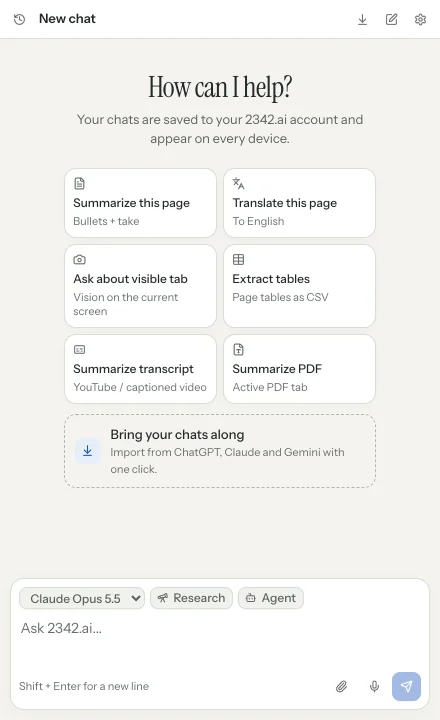
Summarize articles, translate pages or ask about the visible tab. The extension sees what you have open right now.
- Summarize and translate
- Tables as CSV
- YouTube transcripts and PDFs
The 2342.ai extension for Chrome and Firefox opens your assistant in the side panel: summarize pages, attach files, let the agent click for you. And with one click you bring your chats from ChatGPT, Claude and Gemini into your 2342.ai account.
The extension is free; usage runs on your 2342.ai budget. Brave, Edge, Helium and other Chromium browsers install it from the Chrome Web Store.
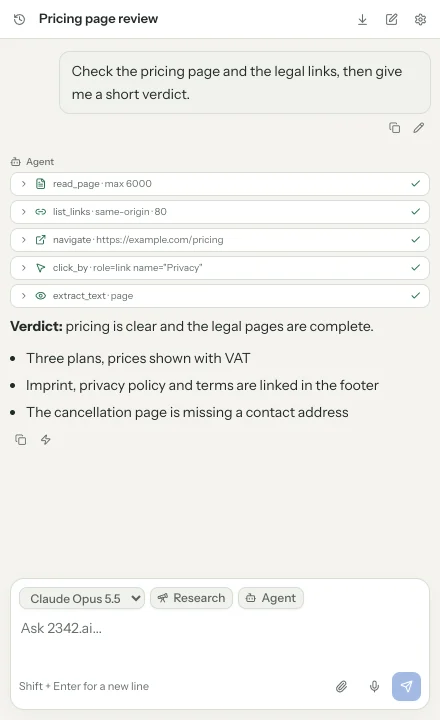
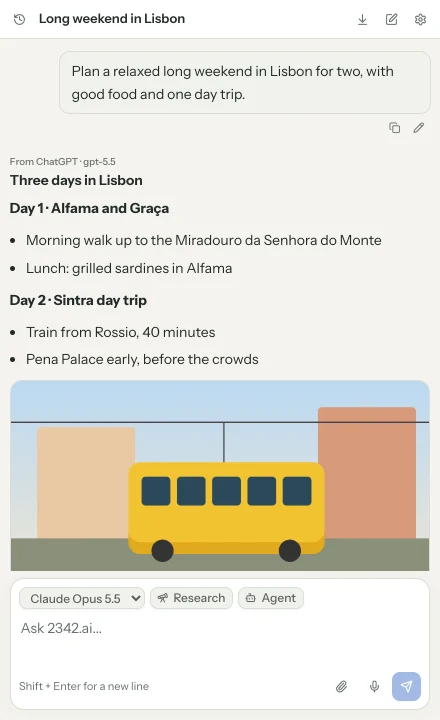
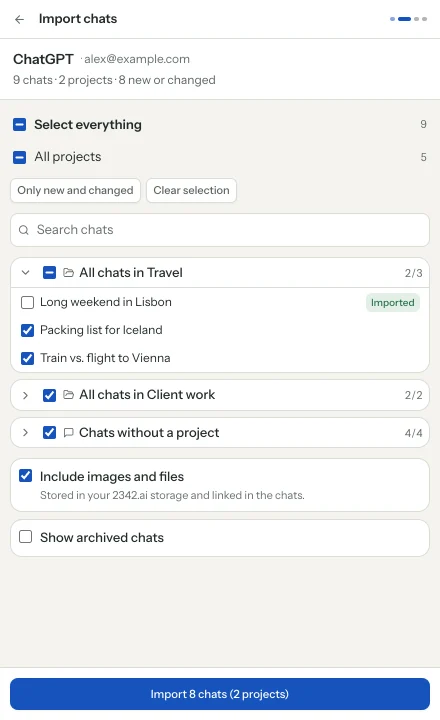
The import assistant reads your conversations where you are already signed in and stores them in your 2342.ai account. Take everything, whole projects or single chats, then continue them with the model you choose.
Summarize articles, translate pages or ask about the visible tab. The extension sees what you have open right now.
The agent reads pages, follows links and fills in forms. In plan mode you see what it intends to do and approve the plan first.
The import runs in the provider's own tab with your existing session. Passwords, cookies and tokens never leave your browser.
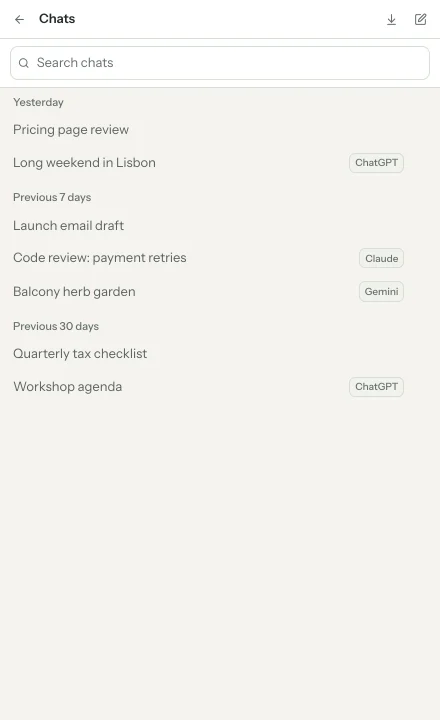
Every chat from the side panel lands in your 2342.ai account. Find it again on the web, search it together with your imported chats and keep working with the same models and the same budget.
Add the extension from the Chrome Web Store or Firefox Add-ons.
The extension opens 2342.ai and you confirm the connection with your account. No account yet? Signing in with an email link takes a minute.
Open the side panel, ask about the current page or start the import under "Import chats".
The extension itself is free. Requests run through your 2342.ai account and are billed by usage, just like on the web. Imported chats cost nothing.
Chrome, Firefox and every Chromium browser such as Brave, Edge or Helium on desktop; the Chromium ones install it from the Chrome Web Store. Safari and mobile browsers are not supported.
Only the chats, projects and attachments you select. Everything is fetched in your browser with your existing sign-in at the provider; credentials are never transferred.
No. The import only copies. Everything stays as it is at the providers.
Yes. Importing again brings only new and changed chats. Whatever you continued in 2342.ai stays intact.
Google offers no stable interface for Gemini chats. The import works, but changes at Google can break it temporarily. The extension then shows a clear error instead of partial results.
Free for Chrome and Firefox. Connect, open the side panel, get going.